You're standing in front of a 600-year-old cathedral, or a sculpture you can't quite place, or a strange flightless bird your kid has decided is the most fascinating creature on Earth. They ask the question every parent dreads at the worst possible moment:
"What IS that?"
You don't know. The plaque is in a language you don't read. And nobody is going to sit through a Wikipedia article voiced by a tired parent at 2 PM on day four of a vacation.
This is the moment HootPODS was made for.
Snap a photo. Get a podcast.
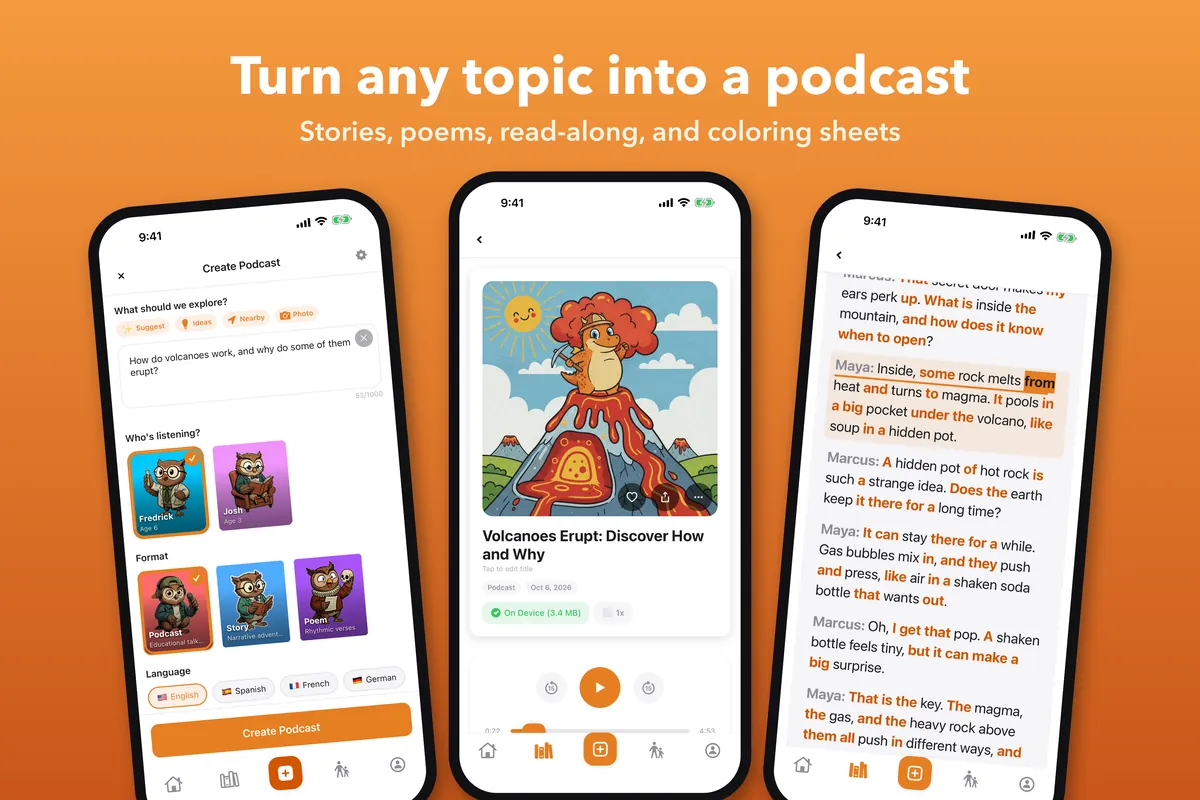
In the HootPODS iPhone app, you tap Photo on the Create screen, take a picture of whatever has your kid's attention (or pick one you already took), and HootPODS looks at it and suggests three to five questions about it. A Vespa Primavera, an Anhinga drying its wings, a Brâncuși sculpture, a Roman aqueduct, a mid-century Eames lounge chair in a museum lobby: whatever is in the frame becomes a starting point.
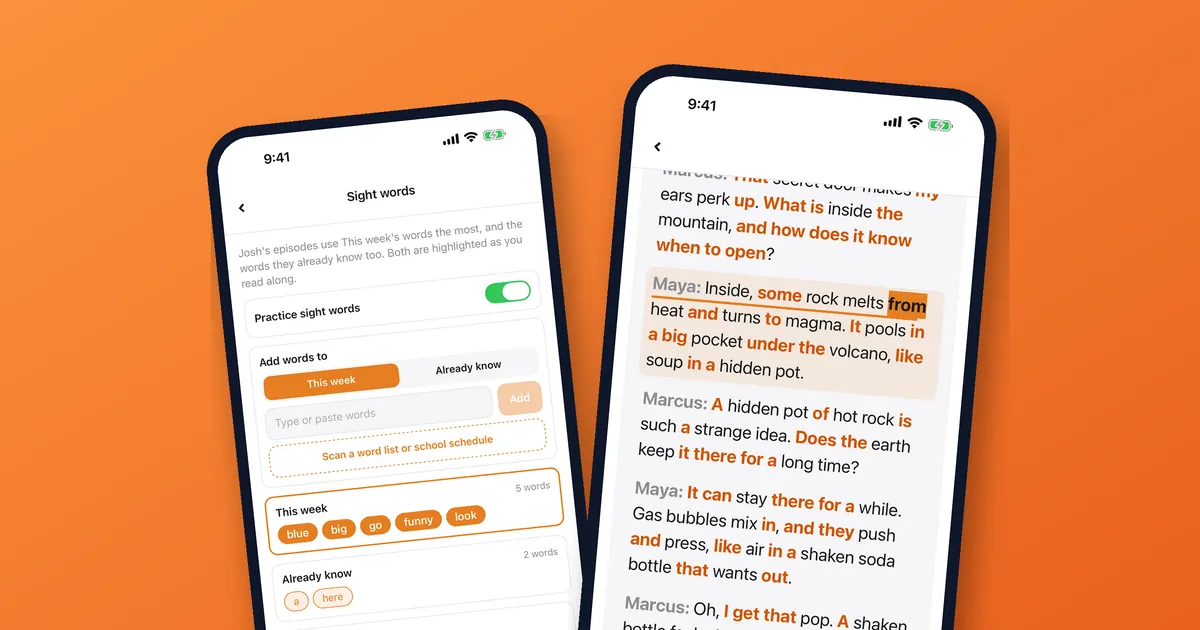
Pick the question you like, choose a podcast, story or poem, and HootPODS writes and narrates the episode. It takes about a minute to make, and you can start listening while it's still being made. Episodes run from 1 to 12 minutes, told by two hosts in conversation or a single narrator, and they explain what your kid was looking at.
You didn't need to know what it was. You needed your phone.
What it's good for
Here are the kinds of photos parents actually take on vacation, and that make good episodes:
- Monuments and landmarks. The obvious one. Statues, churches, ruins, bridges, lighthouses.
- Museum exhibits. Paintings, sculptures, dinosaur skeletons, vintage cars, ancient pottery. Especially good for the placards your kid doesn't have the patience to read.
- Animals and plants you don't recognize. Birds at a wildlife sanctuary, succulents at the botanical garden, fish at the aquarium, the chameleon in the hotel garden.
- Vehicles. Classic cars, vintage planes at an aviation museum, trains at a station, ferries you're about to board.
- Book covers. Pick one up at the gift shop, snap the cover, and get an episode about the topic before you decide whether to buy it.
- Architectural details. That gargoyle, that mosaic, the weirdly perfect dome.
It's not a replacement for a real guidebook or a real human guide. It's a "what is that and why is it interesting?" button you can press in the moment, and the episode can be in any of 15 languages.
A few real-trip examples
At a science museum. Your kid is mesmerized by a Foucault pendulum. They want to know what it's doing. You snap a photo. HootPODS suggests: "Why does a Foucault pendulum prove the Earth is spinning?" Twelve minutes later, they understand it better than you do.
On a road trip. You pass a vintage diner with a giant retro neon sign. Photo. HootPODS suggests questions about mid-century roadside Americana. You play it on the next stretch of highway. They ask follow-up questions for the next thirty miles.
At a national park. You spot a saguaro cactus, and your kid wants to know how old it is. Photo. HootPODS makes a podcast about how saguaros grow (the arms don't appear until they're about 75 years old, which is the kind of fact a 9-year-old will repeat for the rest of the day).
At the airport. Flight delayed. Your kid has been staring at the same airplane through the window for twenty minutes. Photo. HootPODS makes a podcast about how a 787 stays in the sky.
The pattern: a question that would have died unanswered becomes a podcast they actually want to hear.
A real story: Normandy, with the kids
Here's the trip that made us understand what this feature is actually for.
I was driving through Normandy with the kids and wanted to talk to them about World War II. It's a heavy subject, and "Dad explains the war while driving" was not going to work. They're young, I don't have the historian's vocabulary, and frankly the whole thing is hard to pace for a car ride.
We pulled over at Saint-Laurent-sur-Mer on Omaha Beach and walked up to the memorial sculpture there: Les Braves, the three steel spires Anilore Banon installed in 2004 to honor the soldiers who landed on June 6, 1944. The kids stared at it. I knew it was important. I didn't know how to start.
I took out my phone and snapped a photo of the sculpture.
The questions HootPODS suggested named it, Les Braves, the Omaha Beach memorial. I picked one and started the podcast. By the time we were back in the car, they had a 10-minute episode that explained what the sculpture was, what the soldiers had done, and what the beach we'd just stood on had been. Calm. Honest. At their level.
And then the conversation started.
They asked why there was a Second World War. So I explained, badly, and they asked about the First. We ended up spending most of the day on it: D-Day, then back to the trenches, then forward to the post-war years, then sideways into questions about courage and fear and what people do when they're scared. The podcast didn't replace the conversation. It opened the door so the conversation could happen.
That's what this feature is for. Not "answer the kid's question and move on." A camera, a topic, and a starting point, so the conversation you wanted to have can actually happen.
George, founder of HootPODS
Tips for using it well
A few things we've learned:
- Get close. A clear, well-framed photo of the subject works better than a wide vacation shot. If you're at a museum, get the painting itself in frame more than the room.
- Include the placard if there is one. A visible label or sign gives the photo more to go on and can help the suggestions name the exact title or species.
- Pick the question your kid would actually ask. The suggestions are starting points. Choose the one that matches what made them stop and stare.
- No photo? Try Nearby. The Nearby button on the Create screen finds museums, libraries, zoos, aquariums, parks and historic sites around you and turns them into episode ideas. Your location is not sent to HootPODS.
- Make it before you lose signal. Every episode is saved on your iPhone, so once it's made you can play it offline on the plane, the ferry or the mountain road, through AirPlay or Bluetooth if you like.
- It works on adult things too. The brutalist building you're trying to remember the architect of. The wine label you want to know more about. The bird that just landed on your patio. Choose a general audience instead of a child's profile, and you'll learn something.
A note on privacy
This is the part we get asked about a lot, so: when you use a photo, it is sent to OpenAI to analyze it and suggest questions. Before your first episode, the app shows you exactly what it sends to the AI services that write, narrate and illustrate episodes (OpenAI, ElevenLabs and Google) and asks for your OK. You can withdraw that consent in Profile. Full details are in our Privacy Policy.
Learning has no age limit
Here's the part we want to say out loud, because it's the part we like best:
HootPODS is made for families. You can set up a profile with your child's age and interests so episodes fit them. But what we keep hearing back from parents, and what we honestly experience ourselves making test podcasts on the dev team, is that adults learn alongside them.
You bought a ticket to the museum. You paid for the road trip. You're standing in front of the thing. There's no shame in being the parent who didn't know what a Foucault pendulum was either. Press the button. Learn it with them.
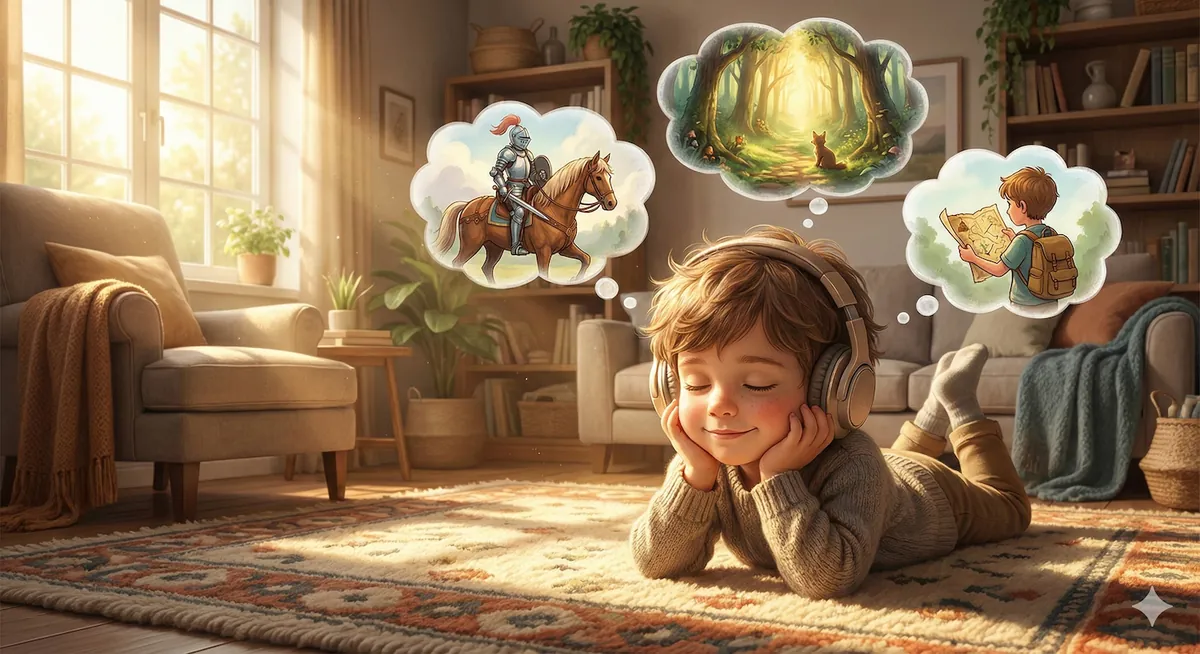
The best souvenir from a family trip isn't a magnet. It's the conversation in the car the next day, where your eight-year-old explains the thing they learned to you, and you remember something you forgot, and you both end up looking up something new.
A camera. A topic. A podcast. Repeat.
That's the trip.
To see everything the app can do, read How HootPODS works.